
Best IPTV player apps in 2026, compared
The player app is the part of IPTV you touch every day. The same Honey Bee IPTV login can feel like a premium cable box in one app and clumsy in another. Here is an honest comparison of the players our customers use most, and which one we would pick for each device.
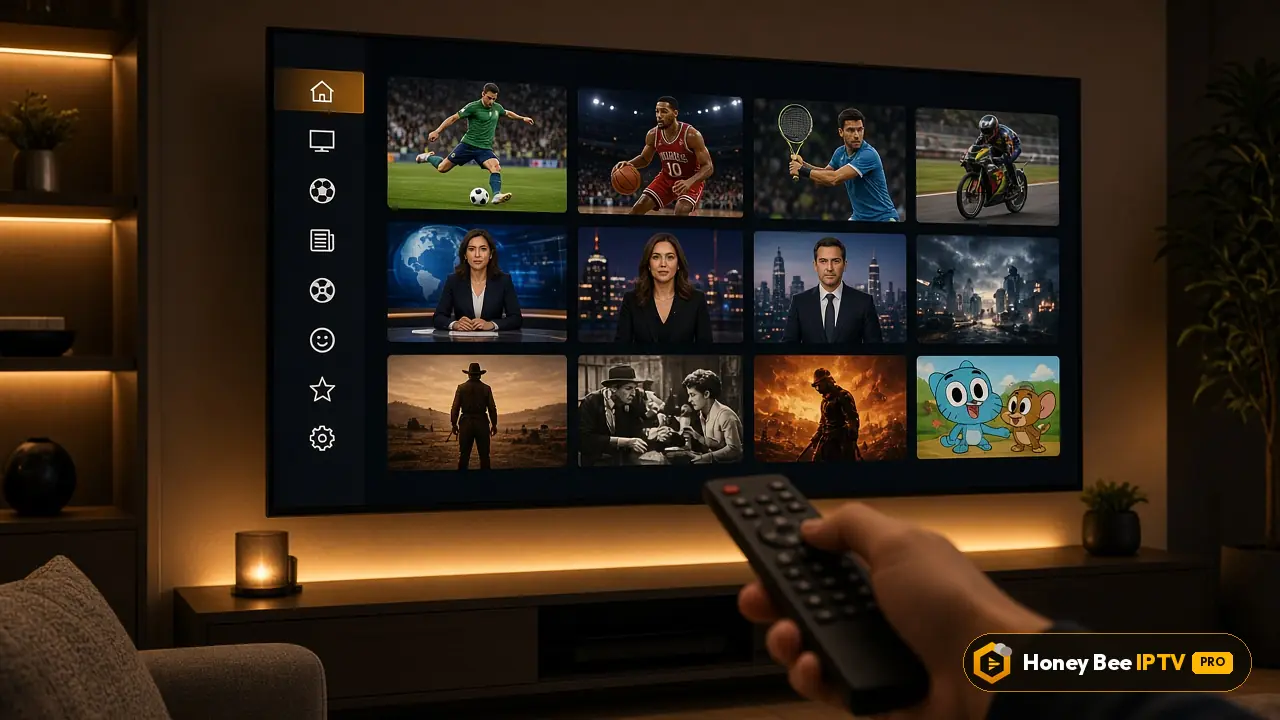
What makes a good IPTV player
A player app does four jobs: it loads your playlist, shows a guide, plays video smoothly and lets you find things quickly. When comparing players, we look at:
- Guide quality: a full grid like cable, or just now-and-next?
- Speed: how fast channels change and how quickly big playlists load.
- Video engine: does it handle 4K, 60 fps sports and different audio tracks?
- Organization: favourites, hiding groups, search, multiple profiles.
- Price: free, one-off license or yearly subscription, always paid to the developer, never to us.
- Device support: which platforms it runs on.
The quick verdict
| Player | Best on | Guide | Price | Our verdict |
|---|---|---|---|---|
| TiviMate | Fire TV, Android TV | Full grid, excellent | Free; Premium about the cost of a coffee a month, paid yearly | Best overall for TV |
| IPTV Smarters Pro | All platforms | Good | Free; optional extras | Easiest and most versatile |
| IBO Player | Samsung, LG, Android | Simple | Trial, then one-off license | Best for Smart TVs without Android |
| MyTVOnline | Formuler boxes | Excellent | Included with the box | Best for Formuler owners |
| VLC | PC, Mac, phones | None | Free | Quick testing and computers |
TiviMate: the living-room favourite
TiviMate turns an Android device into something that feels like a premium cable box. Its full-screen guide shows hours of programming at a glance, channels switch quickly, and the interface is designed for a remote rather than a touchscreen.
Strengths:
- Classic grid guide with colour-coded categories
- Very fast channel switching
- Favourites, hidden groups and custom channel order
- Recording and catch-up (Premium)
- Multi-view on capable devices (Premium)
Weaknesses:
- Android only: no Apple TV, iPhone, Samsung or LG version
- Separate sections for movies and series are basic compared with Smarters
Pick it if you use a Fire TV Stick, Android TV, Google TV or Nvidia Shield and watch mostly live TV. Our Fire TV Stick guide shows how to install it.
IPTV Smarters Pro: the all-rounder
IPTV Smarters Pro runs on almost everything: Android, Fire TV, iPhone, iPad, Apple TV, Windows and Mac. It splits content into Live TV, Movies and Series, which makes the on-demand library much easier to browse.
Strengths:
- Available on nearly every platform
- Clean separation of live TV and on-demand content
- Parental controls and multiple user profiles
- Free to use
Weaknesses:
- Guide is less cable-like than TiviMate's
- Channel switching is a little slower on low-end devices
Pick it if you are new to IPTV, use Apple devices, or share the account with family members who mostly watch movies and series.
IBO Player: the Smart TV specialist
Samsung and LG Smart TVs cannot run Android apps, so the choice there is smaller. IBO Player is the most popular option: it identifies the TV by MAC address, and you add your playlist through its website.
Strengths:
- Available on Samsung Tizen and LG webOS
- No extra device needed
- Movies and series sections with posters
Weaknesses:
- License paid to the developer after the trial
- Playlist management through a website feels unusual at first
Pick it if you want to watch directly on a Samsung or LG TV without a stick. See the Samsung guide.
MyTVOnline: built for Formuler
If you own a Formuler box, MyTVOnline is preinstalled and excellent: cable-style guide, recording, catch-up and multi-portal support, all designed for Formuler's remote. Many Formuler owners never install anything else.
VLC: free and simple
VLC plays your M3U link on almost any computer or phone. There is no proper guide and big playlists load slowly, but it is perfect for testing a channel quickly or watching on a laptop.
Which player for which device
| Device | First choice | Alternative |
|---|---|---|
| Fire TV Stick / Cube | TiviMate | IPTV Smarters Pro |
| Android TV / Google TV | TiviMate | IPTV Smarters Pro |
| Samsung Smart TV | IBO Player | Other Tizen players |
| LG Smart TV | IBO Player | Other webOS players |
| Apple TV | IPTV Smarters Pro | Other tvOS players |
| iPhone / iPad | IPTV Smarters Pro | GSE Smart IPTV |
| Formuler | MyTVOnline | TiviMate |
| MAG | Built-in portal | none needed |
| Windows / Mac | IPTV Smarters | VLC |
Things to avoid
- Players asking you to pay for channels inside the app. Players are software; your subscription comes from your provider. Anyone selling content through a player listing is a red flag.
- Unknown APKs from random websites. Install from official stores or the developer's official site. Our APK page explains how to stay safe.
- Abandoned apps. Choose players updated in the last few months.
Trying players during your free trial
The best way to choose is to test. During the free 24-hour trial, install two players on your main device, sign in to both with the same login and use each for an evening. Most people know within an hour which one they prefer. When you are ready, plans start at $13 for one month on the pricing page.
Plans and prices
Same channels and library in every plan. Pick a length and a number of screens, pay once in USD.
1 month · 1 screen
$13
$13 / month
Flexible, month by month
- 44,000+ live channels
- 186,000+ movies + 12,000+ series
- HD, FHD and 4K streams
- Full EPG TV guide
- Smart TV, Fire TV Stick, Android, iPhone/iPad, PC/Mac, MAG, Formuler
- Stable servers
- Fast WhatsApp activation
- Daily support on WhatsApp
Activated over WhatsApp, usually within minutes
3 months · 1 screen
$33
$11 / month
You keep $6 vs 3 × monthly
- 44,000+ live channels
- 186,000+ movies + 12,000+ series
- HD, FHD and 4K streams
- Full EPG TV guide
- Smart TV, Fire TV Stick, Android, iPhone/iPad, PC/Mac, MAG, Formuler
- Stable servers
- Fast WhatsApp activation
- Daily support on WhatsApp
Activated over WhatsApp, usually within minutes
6 months · 1 screen
$52
$8.66 / month
You keep $26 vs 6 × monthly
- 44,000+ live channels
- 186,000+ movies + 12,000+ series
- HD, FHD and 4K streams
- Full EPG TV guide
- Smart TV, Fire TV Stick, Android, iPhone/iPad, PC/Mac, MAG, Formuler
- Stable servers
- Fast WhatsApp activation
- Daily support on WhatsApp
Activated over WhatsApp, usually within minutes
12 months · 1 screen
$69
$5.75 / month
You keep $87 vs 12 × monthly
- 44,000+ live channels
- 186,000+ movies + 12,000+ series
- HD, FHD and 4K streams
- Full EPG TV guide
- Smart TV, Fire TV Stick, Android, iPhone/iPad, PC/Mac, MAG, Formuler
- Stable servers
- Fast WhatsApp activation
- Daily support on WhatsApp
Activated over WhatsApp, usually within minutes
Need 2 or 3 screens at the same time?
Same content, more simultaneous streams. Tap a price to order it on WhatsApp.
| Screens | 1 month | 3 months | 6 months | 12 months |
|---|---|---|---|---|
| 1 connection | $13$13 / month | $33$11 / month | $52$8.66 / month | $69$5.75 / month |
| 2 connections | $22$22 / month | $52$17.33 / month | $75$12.50 / month | $99$8.25 / month |
| 3 connections | $32$32 / month | $72$24 / month | $99$16.50 / month | $139$11.58 / month |
Prices are in US dollars and you pay once for the whole period. There is no contract and nothing renews on its own. Every plan carries the same 44,000+ channels, 186,000+ movies and 12,000+ series; you only choose how long and how many screens. Not sure yet? Start with the free 24 hours test. Get the free trial.
Questions people ask us
What is the best IPTV player overall?
For Fire TV and Android TV, TiviMate is the best overall thanks to its grid guide and fast channel switching. On Apple devices, IPTV Smarters Pro is the easiest. On Samsung and LG TVs, IBO Player is the usual choice.
Is there a free IPTV player that is good?
Yes. IPTV Smarters Pro is free with optional paid features, and VLC is completely free. TiviMate has a free version, but its best features need Premium.
Do I need to pay for TiviMate Premium?
Not necessarily, but Premium unlocks multiple playlists, favourites management, recording and catch-up. Many customers find the small yearly fee worth it.
Can I use the same login in different players?
Yes. Your Honey Bee IPTV login works in any player that supports Xtream Codes or M3U. You can switch players at any time.
Which player is best for families?
IPTV Smarters Pro, because its separate Live, Movies and Series sections and parental controls are easy for everyone.
Which player has the best TV guide?
TiviMate and MyTVOnline have the most cable-like guides, with a full grid, colour coding and catch-up support.