
Movies and series on demand with Honey Bee IPTV
Live TV is only half the story. Every Honey Bee IPTV plan includes an on-demand library of 186,000+ movies and 12,000+ series that you can start, pause and resume whenever you like, on any of your devices.
Jump to a section
What is in the Honey Bee IPTV library
The on-demand side of Honey Bee IPTV works like a video store that never closes. You browse with the remote, pick a title and press play. No schedules, no waiting for an episode to air.
The library is split into two main sections:
- Movies: 186,000+ titles, from new releases and blockbusters to classics, comedy, horror, documentaries, family films and international cinema
- Series: 12,000+ complete shows, from crime dramas and sitcoms to reality TV, anime and documentary series, organised by season and episode
Titles are sorted by genre, release year and popularity, with search for when you already know what you want.
How the library is organised
In your player app, movies and series sit in their own tabs, separate from Live TV. Inside each tab you will find categories such as:
| Category | Typical content |
|---|---|
| New releases | Recently added movies |
| Action & adventure | Blockbusters, thrillers, superhero films |
| Comedy | Romantic comedies, stand-up specials, family comedies |
| Drama | Award contenders, biopics, period dramas |
| Horror & thriller | Slashers, psychological thrillers, true crime |
| Kids & family | Animation, family films, preschool series |
| Documentary | Nature, history, sport, music and crime documentaries |
| International | Spanish, Indian, Korean, French, Italian and more |
| 4K | Titles available in Ultra HD |
Each title has a poster, a short description, the year, the running time and often a rating from public movie databases, so you can decide quickly.
Picture quality
Most movies are available in FHD (1080p). Many recent titles are also offered in 4K. Movies buffer ahead before playing, so they are more forgiving than live sports: even on a modest connection, a 1080p movie usually plays smoothly. For 4K, aim for 25 Mbps of steady internet and a 4K TV or streaming device.
Series that keep up
For ongoing series, new episodes are added as they air. Seasons are grouped so you can pick up exactly where you left off. In apps such as IPTV Smarters Pro and TiviMate, a "Continue watching" row brings you back to the last episode with one click.
The best apps for movies and series
All the main player apps show the library, but some do it better:
- IPTV Smarters Pro has a clean tile layout with posters and a dedicated series section. Good on phones, tablets and Apple TV.
- TiviMate is excellent for live TV and good for movies, with posters and search on Fire TV and Android TV.
- IBO Player on Samsung and LG TVs shows movies and series with posters and descriptions.
See TiviMate vs Smarters vs IBO Player for a full comparison, or the Honey Bee IPTV app page for how to sign in.
Movie night for the whole family
The library works best when everyone can find their own corner. A few tips:
- Create favourites for each person so their films appear first.
- Lock adult categories with a PIN in the app's parental settings. Our post on parental controls and kids' channels shows how.
- Choose 2 or 3 connections if the kids want cartoons while you watch a thriller in another room. The multi-screen page explains how it works.
Watching on the go
Your login works on phones and tablets, so a movie can travel with you. Download-to-device is not available in most IPTV players, but on good hotel Wi-Fi or mobile data, streaming in HD uses roughly 1.5 to 3 GB per hour. On a long trip, choose SD or HD to save data.
What the posters on this site mean
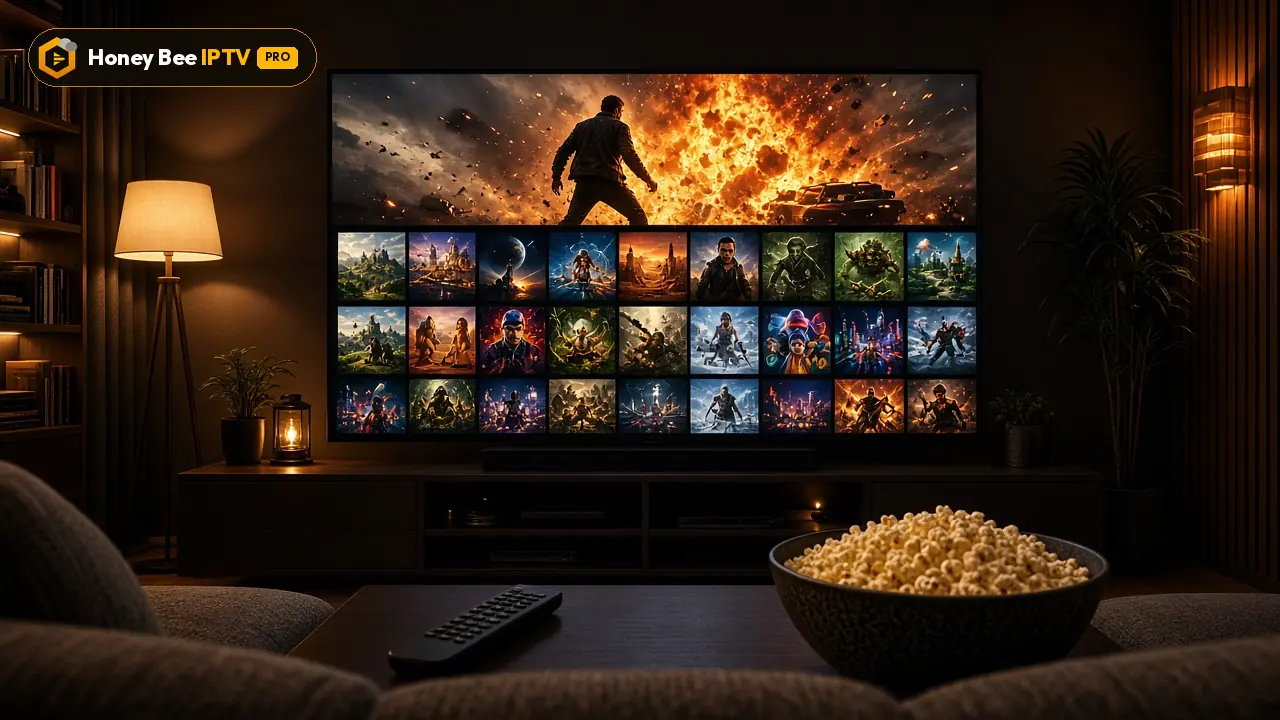
The posters you see on our pages are examples of the kind of titles you can find in the library. They are shown for illustration only. A particular title may come and go over time, and showing a poster does not mean we have any deal with the studio or rights holder.
Try the library free
The free 24-hour trial includes the full library. Spend an evening browsing, start a 4K movie and an episode of a series, and see how quickly it all loads on your TV. When you are ready, plans start at $13 for one month on the pricing page.
Finding something to watch in under a minute
A huge library can make choosing harder, not easier. Our support team hears the same tip from happy customers again and again: decide the mood first, then the title. Open the genre that matches the evening (a comedy after a long day, a thriller on a Friday, a documentary on a Sunday morning), sort by newest or most popular, and pick from the first two rows. Use search when someone in the room already has a title in mind. And if a film turns out to be a dud after twenty minutes, there are another 186,000+ waiting, so there is no reason to sit through it. Keeping a short favourites list of films you want to see later saves the scrolling next time.
Series binge tips
For long box sets, start from the series tab rather than search, so you see every season in order. Most apps mark watched episodes, which helps when two people in the house watch the same show at different speeds. If you share one connection, agree on a "series night" so nobody's stream is interrupted by someone else starting a game.
Plans and prices
Same channels and library in every plan. Pick a length and a number of screens, pay once in USD.
1 month · 1 screen
$13
$13 / month
Flexible, month by month
- 44,000+ live channels
- 186,000+ movies + 12,000+ series
- HD, FHD and 4K streams
- Full EPG TV guide
- Smart TV, Fire TV Stick, Android, iPhone/iPad, PC/Mac, MAG, Formuler
- Stable servers
- Fast WhatsApp activation
- Daily support on WhatsApp
Activated over WhatsApp, usually within minutes
3 months · 1 screen
$33
$11 / month
You keep $6 vs 3 × monthly
- 44,000+ live channels
- 186,000+ movies + 12,000+ series
- HD, FHD and 4K streams
- Full EPG TV guide
- Smart TV, Fire TV Stick, Android, iPhone/iPad, PC/Mac, MAG, Formuler
- Stable servers
- Fast WhatsApp activation
- Daily support on WhatsApp
Activated over WhatsApp, usually within minutes
6 months · 1 screen
$52
$8.66 / month
You keep $26 vs 6 × monthly
- 44,000+ live channels
- 186,000+ movies + 12,000+ series
- HD, FHD and 4K streams
- Full EPG TV guide
- Smart TV, Fire TV Stick, Android, iPhone/iPad, PC/Mac, MAG, Formuler
- Stable servers
- Fast WhatsApp activation
- Daily support on WhatsApp
Activated over WhatsApp, usually within minutes
12 months · 1 screen
$69
$5.75 / month
You keep $87 vs 12 × monthly
- 44,000+ live channels
- 186,000+ movies + 12,000+ series
- HD, FHD and 4K streams
- Full EPG TV guide
- Smart TV, Fire TV Stick, Android, iPhone/iPad, PC/Mac, MAG, Formuler
- Stable servers
- Fast WhatsApp activation
- Daily support on WhatsApp
Activated over WhatsApp, usually within minutes
Need 2 or 3 screens at the same time?
Same content, more simultaneous streams. Tap a price to order it on WhatsApp.
| Screens | 1 month | 3 months | 6 months | 12 months |
|---|---|---|---|---|
| 1 connection | $13$13 / month | $33$11 / month | $52$8.66 / month | $69$5.75 / month |
| 2 connections | $22$22 / month | $52$17.33 / month | $75$12.50 / month | $99$8.25 / month |
| 3 connections | $32$32 / month | $72$24 / month | $99$16.50 / month | $139$11.58 / month |
Prices are in US dollars and you pay once for the whole period. There is no contract and nothing renews on its own. Every plan carries the same 44,000+ channels, 186,000+ movies and 12,000+ series; you only choose how long and how many screens. Not sure yet? Start with the free 24 hours test. Get the free trial.
Questions people ask us
How many movies and series are included?
The library holds 186,000+ movies and 12,000+ series. We quote one figure on every page; the exact total moves slightly as titles are added and removed.
Do I pay extra for the movie library?
No. Movies and series are included in every plan, from the one-month plan to the 12-month plan.
How often are new titles added?
New movies and episodes are added regularly, often within days of their release in other formats. Popular series are updated as new episodes air.
Can I resume a movie on another device?
Most player apps remember where you stopped on that device. Some, like IPTV Smarters, keep a Continue Watching row. Switching devices usually means picking the time manually.
Are subtitles available?
Many titles include English subtitles, and some include other languages. In most player apps you can turn subtitles on from the playback menu.
Is there a kids' section?
Yes. Family and animation categories make it easy to find films for children, and most player apps let you hide adult categories with a PIN.